Your Link in Bio.
Your Data. Your Platform.

Build a beautiful link-in-bio page on your own WordPress site — and actually know which platform each click came from.
No monthly fees to Linktree. No data locked on someone else's server. Platform attribution that shows in both your WordPress dashboard and GA4.

Free forever · No account required · Works on any WordPress site

Built for WordPress creators, influencers, and marketers who want to own their audience data — and know exactly which platform is driving their results.

You can't see which platform
is actually driving your clicks

TikTok and Instagram strip the HTTP Referer header from every outbound click. Your analytics show "direct" traffic — even when thousands of followers just clicked your bio link.

block

TikTok strips your referrer

Every click from TikTok's in-app browser arrives with no referrer. GA4 and WordPress analytics both show "direct" — even if 3,000 people just clicked from your TikTok bio.

bar_chart

Analytics locked behind a paywall

Linktree's free plan shows you almost nothing. To see which links actually convert, you pay $9–$24/month — forever. And even then, you can't export the raw data.

home

You don't own the page

Your link-in-bio lives on Linktree's servers. If they go down, change their terms, or raise prices — your page and your data go with it.

Up and running in minutes

Install the plugin, create a page, add your links. No external accounts, no API keys, no GA4 setup required.

1

Install the plugin

Upload the zip to WordPress and activate. No configuration wizard needed.

2

Create a Link Page

Add a new Link Page post, set your profile image, colors, and bio.

3

Add your links

Add as many links as you want. Toggle any link on or off with the pill switch.

4

Share the URL

Put your page URL in your social bios. Analytics start recording immediately.

Works exactly like Linktree — but on your own website.
Free users get one fully functional link page with complete analytics. You can use it across all your social media platforms at once without setting up anything extra. The plugin records clicks, devices, and countries out of the box. Platform attribution is a Pro feature — but the page works perfectly without it.

Everything you need.
Free. Forever.

LinkBio Tracker gives you a complete link-in-bio page with full analytics — no credit card, no expiry.

smartphone

Beautiful mobile-first pages

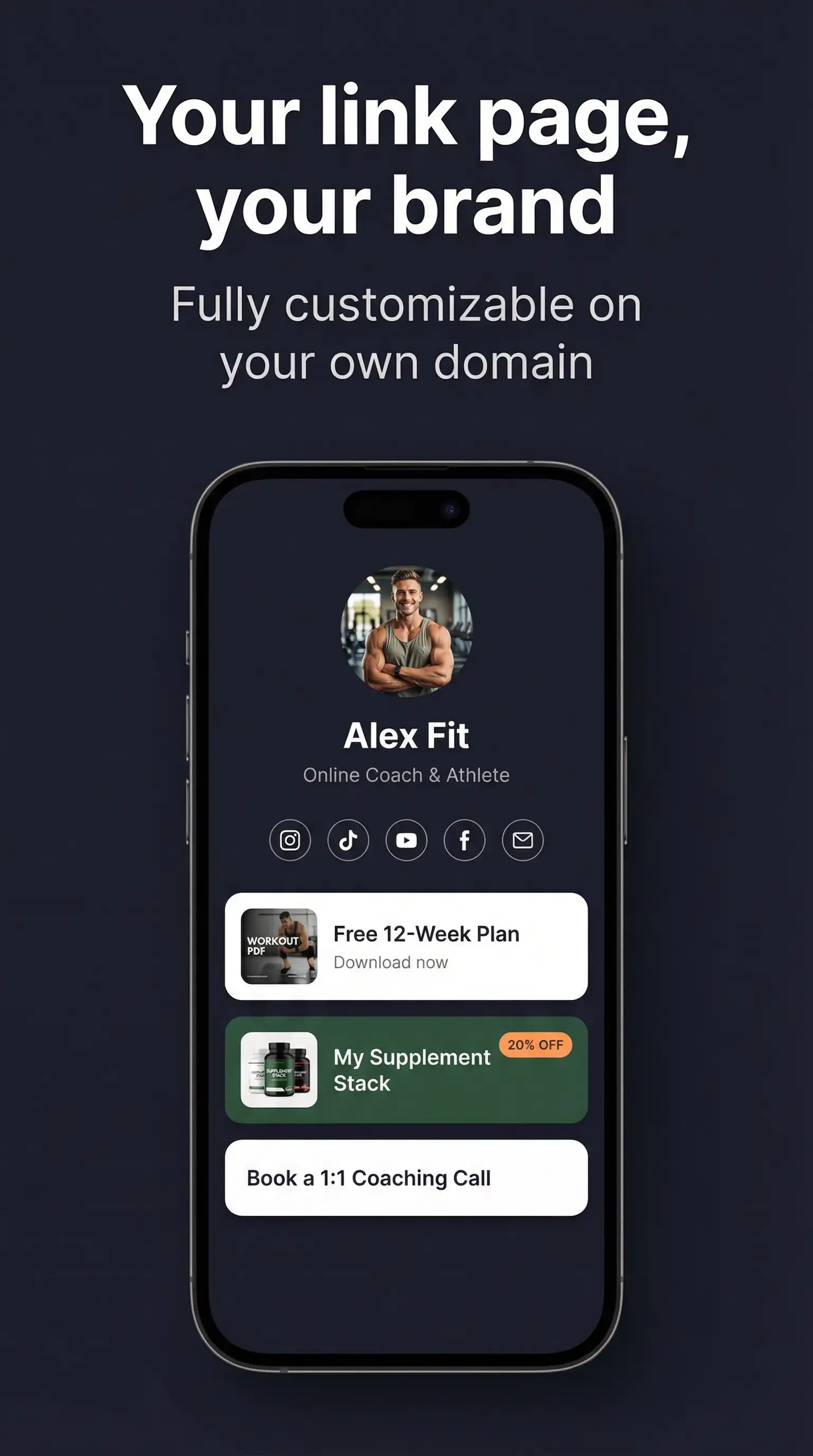
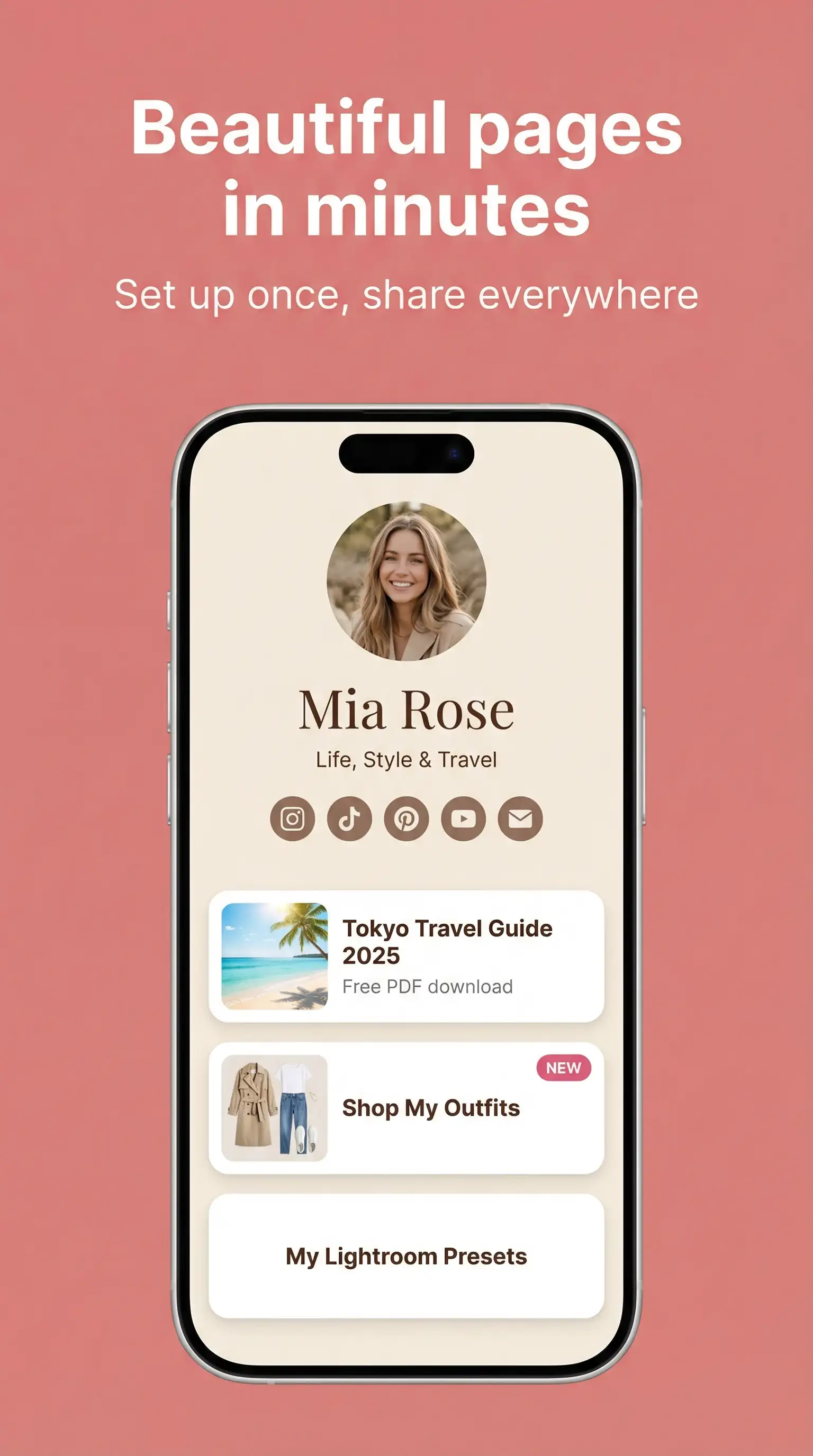
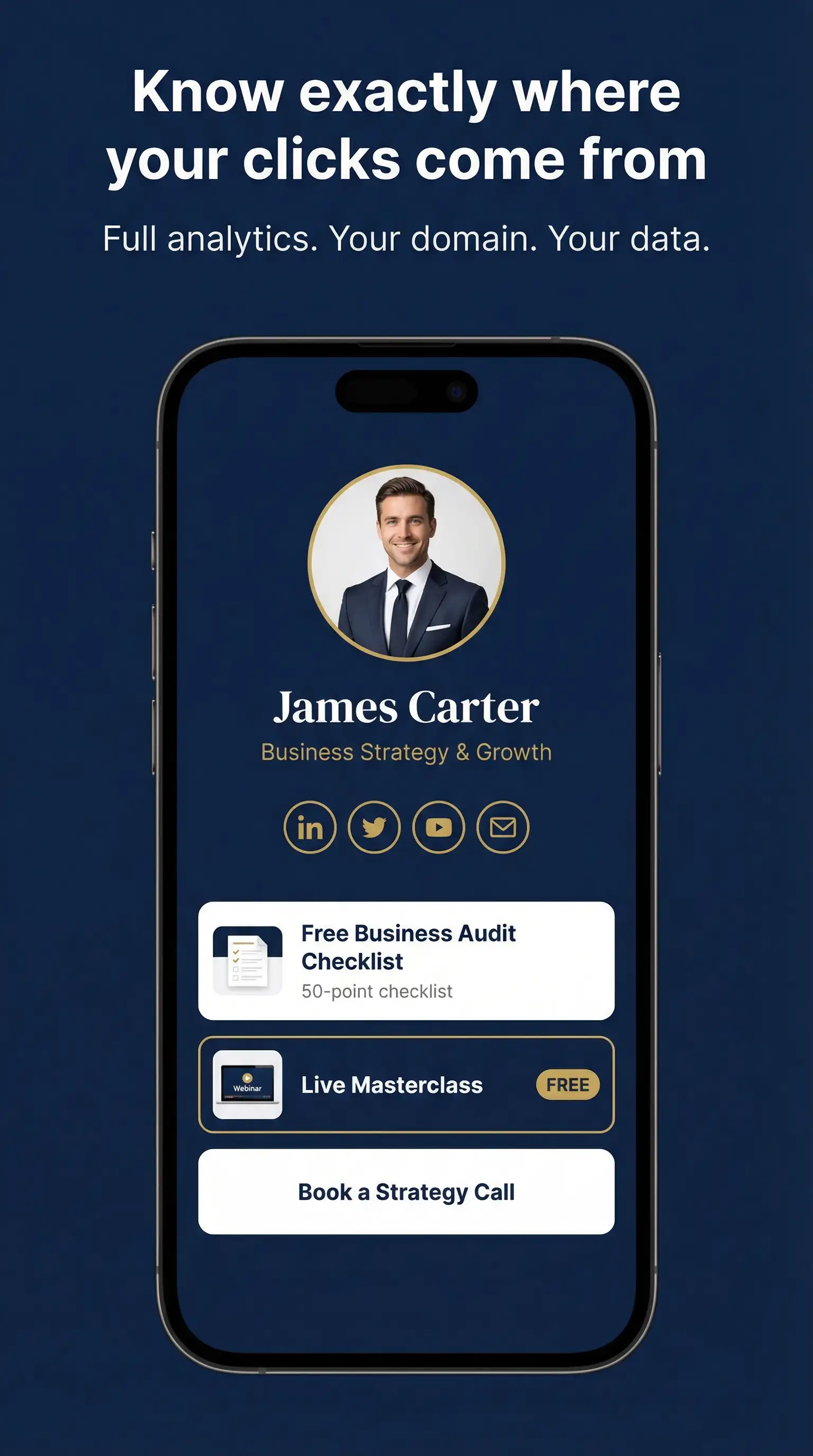
Build your link-in-bio page directly in WordPress. Custom gradients, profile image, display name, social icons, and fully branded link buttons — all yours, on your domain.

Free
gps_fixed

Unlimited links per page

Add as many links as you want. Drag to reorder. Each link has a title, description, badge text, and open-in-new-tab option.

Free
lock

Your domain, your SEO

Your link-in-bio lives at yourdomain.com/bio/yourname — not linktree.com. One URL for all your social bios. Never changes. Fully under your control.

Free
trending_up

Built-in click analytics

See exactly how many times each link was clicked, when, from which device, and from which country. All data lives in your own WordPress database — no expiry, no limits, no paywalls.

Free
visibility

Show / hide links instantly

Toggle any link visible or hidden with one click — directly from the WordPress admin. No need to delete and re-add links.

Free
sell

Link badges & featured sections

Highlight your most important links with "New", "Hot", or custom badges. Add featured image cards for product drops, collabs, or campaigns.

Free

Built for professional
creators and marketers

When one page isn't enough, or when your sponsors need proof — LinkBio Pro gives you the tools to operate at a professional level.

sell

Page Source Tag

Tag each page with its platform (TikTok, Instagram, YouTube, Facebook, X, or custom). The plugin automatically appends UTM parameters to every redirect — so platform attribution shows in both your WordPress analytics dashboard and GA4, even when TikTok strips the referrer.

"I have one page for TikTok and one for Instagram. My analytics now show exactly how many clicks came from each platform — and so does GA4. I finally know which platform is worth my time."
description

Unlimited Pages

Create as many link-in-bio pages as you need. Manage multiple clients, run separate pages per platform, or A/B test different layouts. Duplicate any page in one click to use as a starting point.

"I manage 5 social media platforms. Each has different offers and targeting. I duplicate a page, update the offer, and it's done in minutes."
schedule

Link Scheduling

Set any link to automatically appear or disappear at a specific date and time. Perfect for product drops, limited-time offers, and campaign launches — no manual intervention needed.

"My collab goes live Friday 9am — the link appears automatically. It disappears Sunday midnight. I don't have to touch anything."
download

CSV Export

Download your complete click history as a sponsor-ready CSV: timestamp, link title, platform source, UTM source/medium/campaign, referrer, device type, and country. Hand it directly to brand partners.

"I sent this CSV to the brand and showed them 3,200 TikTok-attributed clicks on their product link last month. They renewed the deal immediately."
analytics

Campaign Attribution Analytics

See a dedicated UTM Campaign table in your analytics dashboard — which campaigns drove the most clicks, broken down per link. Pairs with the UTM Campaign Builder for full funnel visibility.

"I can see at a glance that 78% of my clicks come from mobile, 60% from TikTok, and my 'Shop Now' link has a 42% click-through rate."
content_copy

Duplicate Page

Clone any existing LinkBio page with all its links, settings, and branding in one click. Use it to manage multiple clients, create platform-specific variants, or test different page layouts quickly.

"I duplicated my main page, changed the Page Source Tag to Instagram, and now I have separate attribution for each platform without rebuilding anything."

Platform attribution that
actually works

Because TikTok and Instagram strip the referrer header, we use a smarter approach: you tag each page with its platform, and the plugin handles the rest automatically.

sell

1. Tag your page

Set "Page Source = TikTok" on your TikTok bio page in the WordPress admin. Takes 5 seconds.

link

2. Share the clean URL

Your bio link stays clean: yourdomain.com/bio/yourname. No ugly UTM parameters visible to followers.

touch_app

3. Visitor clicks a link

The plugin appends UTM parameters to the redirect URL automatically — invisible to the visitor.

analytics

4. Attribution recorded

Both your WordPress analytics and GA4 see utm_source=tiktok — even though TikTok stripped the referrer.

lightbulb

Why this matters for GA4

When a TikTok follower clicks your bio link and lands on your website, GA4 normally records it as "direct" traffic because TikTok's in-app browser strips the referrer. With LinkBio Tracker's Page Source Tag, the UTM parameters are appended to the redirect URL — so GA4 correctly attributes the session.

Free version still works

Without a Page Source Tag, the plugin still records clicks, devices, and countries in your WordPress dashboard. You just won't have automatic platform attribution in GA4 unless you set UTM parameters manually on each link.

Free vs Pro

The free plan covers everything a regular creator needs. Pro is for those who manage multiple pages, need platform attribution, or need to prove ROI to clients and sponsors.

Feature Free Pro
Your own domain
Unlimited links per page
Full branding (colors, background, profile image)
Show / hide links (pill toggle)
Featured sections
Social icon row
Click analytics (views, clicks, CTR, devices, countries)
Multiple link bio pages Limited (1 page)
Page Source Tag (platform attribution)
Auto UTM injection for GA4
UTM Campaign Builder per link
Campaign attribution analytics
Link & section scheduling
Duplicate page
CSV export
SEO indexing control noindex (locked) ✓ configurable

Simple, honest pricing

Free forever for one page.

Free
$0
Forever. No credit card.
  • 1 link-in-bio page
  • Full click analytics (no limits)
  • Device & country tracking
  • UTM campaign tracking per link
  • Show / hide toggle per link
  • Custom branding & gradient
  • Link badges & featured sections
  • Your own domain
Download Free
Pro
$49 / year
Or $149 one-time payment for lifetime access
  • Everything in Free
  • Multiple link pages
  • Page Source Tag — platform attribution
  • Auto UTM injection for GA4
  • UTM Campaign Builder per link
  • Campaign attribution analytics
  • Link & section scheduling
  • Duplicate page
  • CSV export
  • SEO indexing control
  • Priority support
Get Pro — $49/yr

Or $149 one-time · Lifetime updates

Agency
$149 / year
Or $399 one-time payment for lifetime access
  • Everything in Pro
  • Manage up to 5 sites
  • Priority support
Get Agency — $149/yr

Or $399 one-time · Lifetime updates

14-day money-back guarantee · Cancel anytime · Prices exclude applicable taxes

Common questions

No — that is the whole point. You set one URL (e.g. yourdomain.com/bio/yourname) across all your social bios — TikTok, Instagram, YouTube, Twitter — and it never changes. You just update the content on the page whenever you need to.
TikTok's in-app browser strips the HTTP Referer header from every outbound click. This means GA4 records the session as "direct" traffic — even if thousands of followers just clicked from your TikTok bio. The same happens with Instagram. LinkBio Pro's Page Source Tag solves this: you tag your page as "TikTok", and the plugin automatically appends utm_source=tiktok&utm_medium=linkbio to every redirect URL. GA4 then correctly attributes the session to TikTok.
Yes. The free plan includes one full link-in-bio page with complete analytics, device and country tracking, show/hide toggles, and all design features. There is no trial period and no credit card required.
All click data is stored in your own WordPress database on your own server. Nothing is sent to our servers or any third party. You own your data completely — it never expires and is never deleted unless you choose to.
Yes — LinkBio Tracker is a WordPress plugin. You need a self-hosted WordPress site (wordpress.org, not wordpress.com). If you already have a WordPress website, you can install this plugin in under 2 minutes.
Page Source Tag is a Pro feature that lets you label each LinkBio page with the platform where you share it — TikTok, Instagram, YouTube, Facebook, X, or a custom label. When a visitor arrives and clicks any link, the plugin automatically appends UTM parameters (utm_source and utm_medium) to the redirect URL.
The main differences are: (1) your page lives on your own domain and server — not Linktree's; (2) full analytics including device and country tracking are free, not paywalled; (3) your data is yours forever and never expires; (4) no third-party branding on your page; (5) the Pro Page Source Tag feature solves the TikTok/Instagram referrer-stripping problem that Linktree doesn't address.
Yes — the Agency plan is able to manage multiple websites (limited to 5 sites). Each link page lives inside a WordPress installation. If each client has their own WordPress site, you install the plugin on each site separately.

Start owning your
link-in-bio today

Free forever. Install in 2 minutes. Your data, your domain, your platform attribution.